
The brainstorm went well. Flip charts are full. Sticky notes cover the wall. People are nodding. The energy in the room is good.
Then someone asks the question that kills the momentum: "So... which ones do we go with?"
Silence. Someone suggests voting by show of hands. The manager's hand goes up first. Everyone else follows. The group "decides" in 30 seconds, and half the room knows they just picked the wrong ideas for the wrong reasons.
The problem is never generating ideas. It's what happens next.
The transition from "everything is possible" to "here's what we're actually doing" is where most groups lose their way.
Without a structured method, the loudest voice wins, the boss's preference dominates, or the group picks whatever feels safest.
This week I added three new decision-making techniques to the WorkshopBank library.
All three solve different versions of this same problem.
One is free for a few days. Two are for our Pro Members.
This week's free technique: Dot Voting
You have probably run Dot Voting before. Most facilitators have. Hand out sticky dots, people vote, count the dots, done.
Unfortunately most groups run it in a way that guarantees the wrong ideas win.
The problem is not the method. The problem is that without a few specific safeguards, Dot Voting becomes a popularity contest shaped by whoever votes first.
Here is how to run it properly.
What it actually is
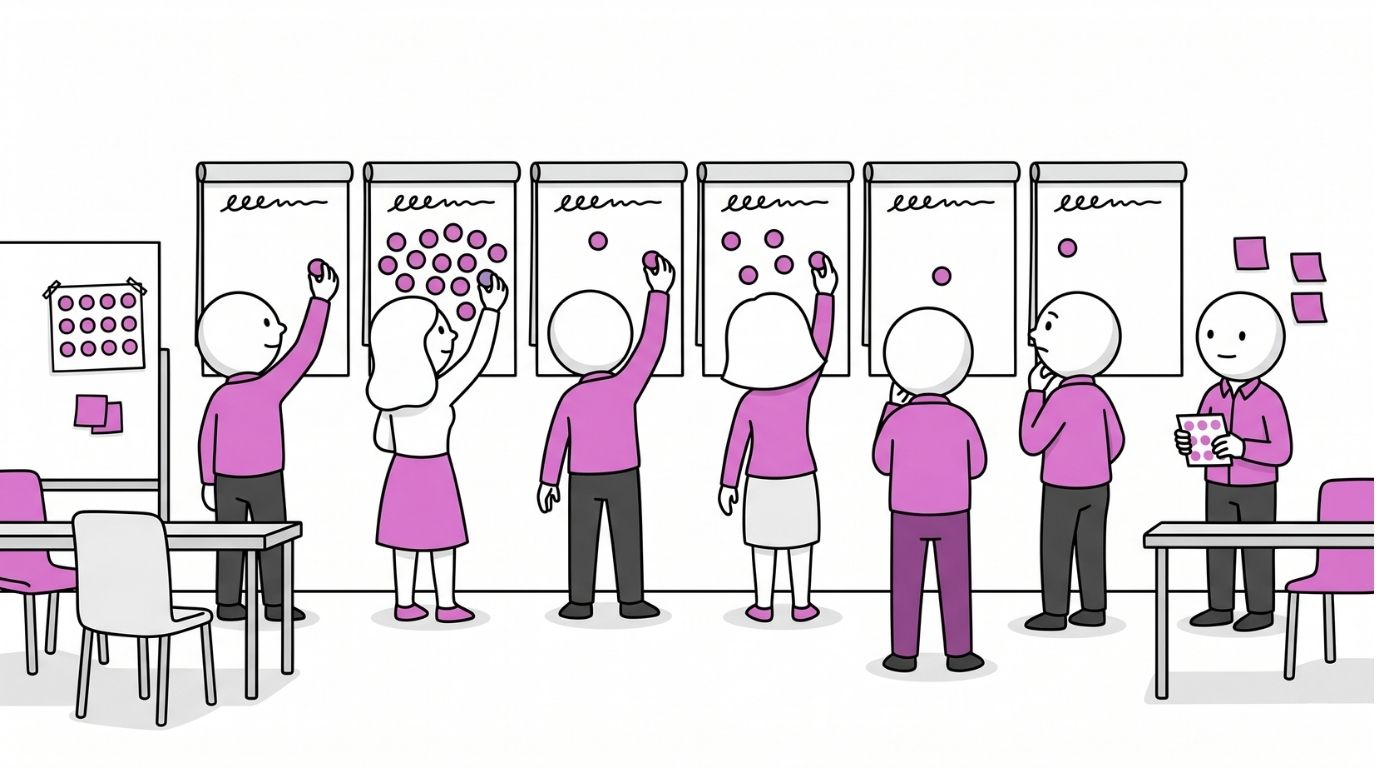
Dot Voting is a quick prioritisation method. Each person gets a fixed number of sticky dots and places them on the items they want to take forward.
After everyone has voted, the pattern on the wall shows you where the group's energy sits.
Dot Voting shows you where energy is. It does not make a decision. It is a prioritisation tool, not a decision tool. Treat the result as input, never as the final answer.
The setup that most people skip
Before anyone touches a dot, do three things:
-
State what the vote is for and how the result will be used. "We are prioritising these options. The top five will go to the steering group on Friday" is clear. "Let's see what people think" is not. If people do not know what their vote means, they vote carelessly.
-
Explain the rules. How many dots does each person get? Can they stack multiple dots on one option? Can they vote for their own idea? Announce all of this before you hand out a single dot. "Can I put all mine on one?" asked mid-vote breaks the process.
-
Walk the gallery first. Give people two to three minutes to read every option on the wall before voting. Silent. No lobbying. No dots in hand yet. If people start voting before they have read everything, they anchor to the first few items they see.
The five-minute vote
Hand out the dots. Set a timer for four minutes. Say: "Place your dots clearly next to the option, not on top of the text. Go."
Stand back. Do not comment on where dots are landing. Stay neutral. Give a one-minute warning. At time, call it.
The trap nobody talks about: the bandwagon effect
Watch what happens when dots start appearing on the wall. People look at where others have voted and drift towards those options. Not because they agree, but because a cluster of dots feels like validation. An option with five early dots will attract more dots simply because it already has five.
This is the bandwagon effect, and it quietly corrupts the result of most Dot Voting sessions.
Two ways to prevent it
-
Blind voting. Hand out small cards or paper squares instead of dots. Each person writes an X next to their choices, folds the card, and places it next to the option. Reveal all at once. The pattern emerges without anyone being influenced by it.
-
Simultaneous voting. Everyone approaches the wall at the same time and places dots in a four-minute window. Faster than sequential, but the effect still creeps in if people glance sideways.
The other trap: vote splitting
Two similar options on the wall will split the vote between them. A genuinely popular idea ends up looking weaker than something nobody cares much about, simply because it was worded two different ways.
Fix this before voting starts. Read through the options with the group and ask: "Are any of these essentially the same thing, just worded differently?" Merge duplicates. If you spot splitting after the fact, flag it openly and consider a quick re-vote with the similar options combined.
Reading the result
Count the dots. Write the number next to each option. Call out the top results in order.
Then ask two questions:
"Does this match what you expected?" If yes, the vote has confirmed the group's thinking. Good.
"Is there anything with few dots that someone still wants to speak up for?" Sometimes an option with two dots matters intensely to one person, and that intensity is worth hearing before you move on.
Point out surprises: options with no dots at all, ties, or single options carrying a disproportionate share.
Adaptations worth knowing
Weighted voting. Use three colours. Red dots are worth three points, yellow two, green one. Each person gets one of each. This captures intensity, not just preference.
Criteria voting. Blue dots mean "most impactful." Green dots mean "easiest to do." Now you have a two-axis picture instead of a single ranking.
Virtual delivery. Miro, Mural, and FigJam all have built-in voting modes that hide results until voting closes. This eliminates the bandwagon effect entirely.
The one thing to remember
Dot Voting is fast, visible, and gives every voice equal weight. But it captures preference, not reasoning. It shows you what the room wants. It does not tell you why, and it does not tell you whether the room is right. Use it to narrow a long list. Use something else to make the final call.
→ Download the full Dot Voting guide on WorkshopBank
New for Pro Members this week
With these three additions, WorkshopBank now has nine decision-making techniques in the library.
Nine different ways to move a group from "we need to choose" to "here's what we're doing."
Each one handles a different version of the problem.
Multi-Voting
When you need to cut 20 options down to 5 without the loudest voice winning
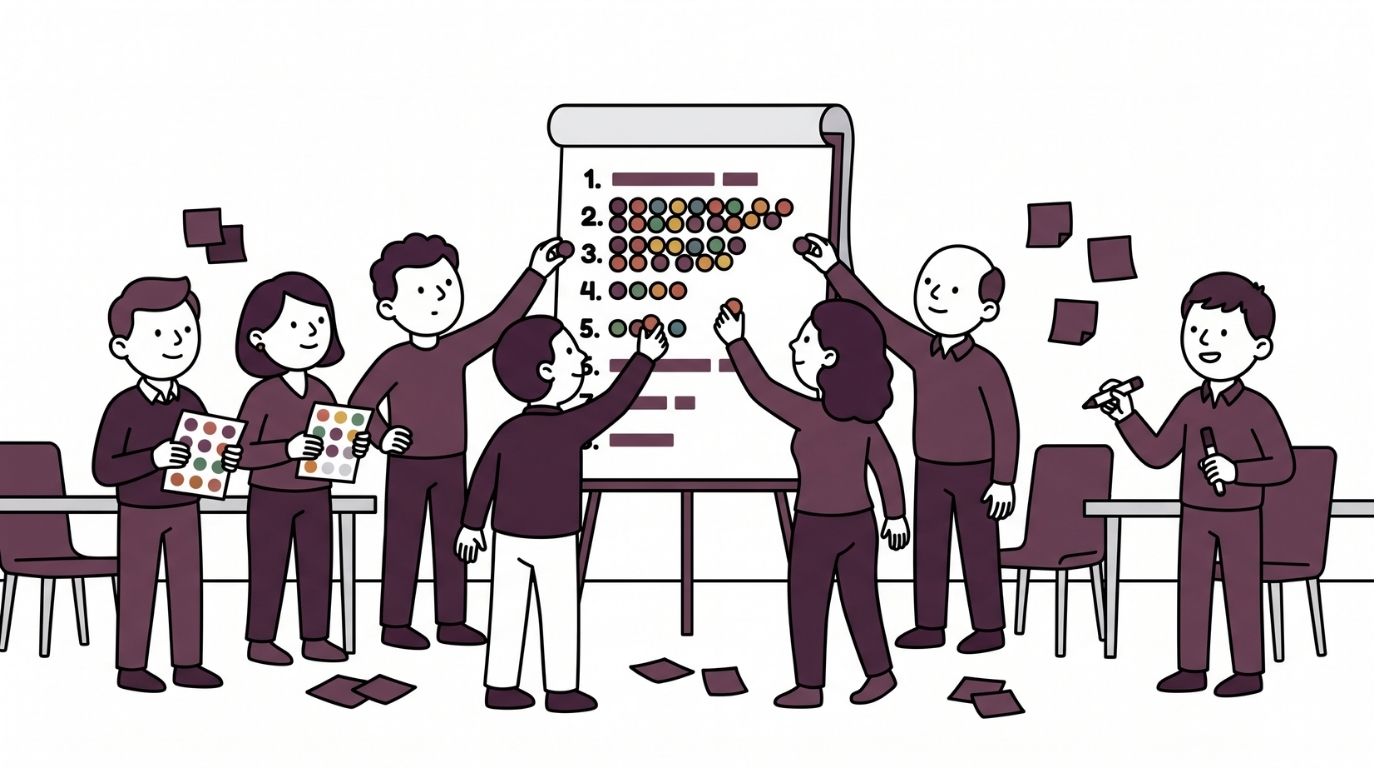
Multi-Voting gives every person a fixed number of votes (calculated as roughly one third of the total options) and lets them distribute those votes however they want.
The votes are tallied, the lowest-scoring items drop off, and you can run a second round on what remains.
What rises to the top is rarely anyone's absolute favourite.
It is the set of options the whole group can get behind, which is usually a better result than one person's top pick forced on everyone else.
A product team used Multi-Voting to take 22 possible checkout improvements down to a clean top five in under 20 minutes.
The team went from "everything is important" to a shared build list without a single argument.
→ Full facilitator guide in the library
Decision Matrix
When the shortlist is ready but the group keeps arguing in circles about trade-offs
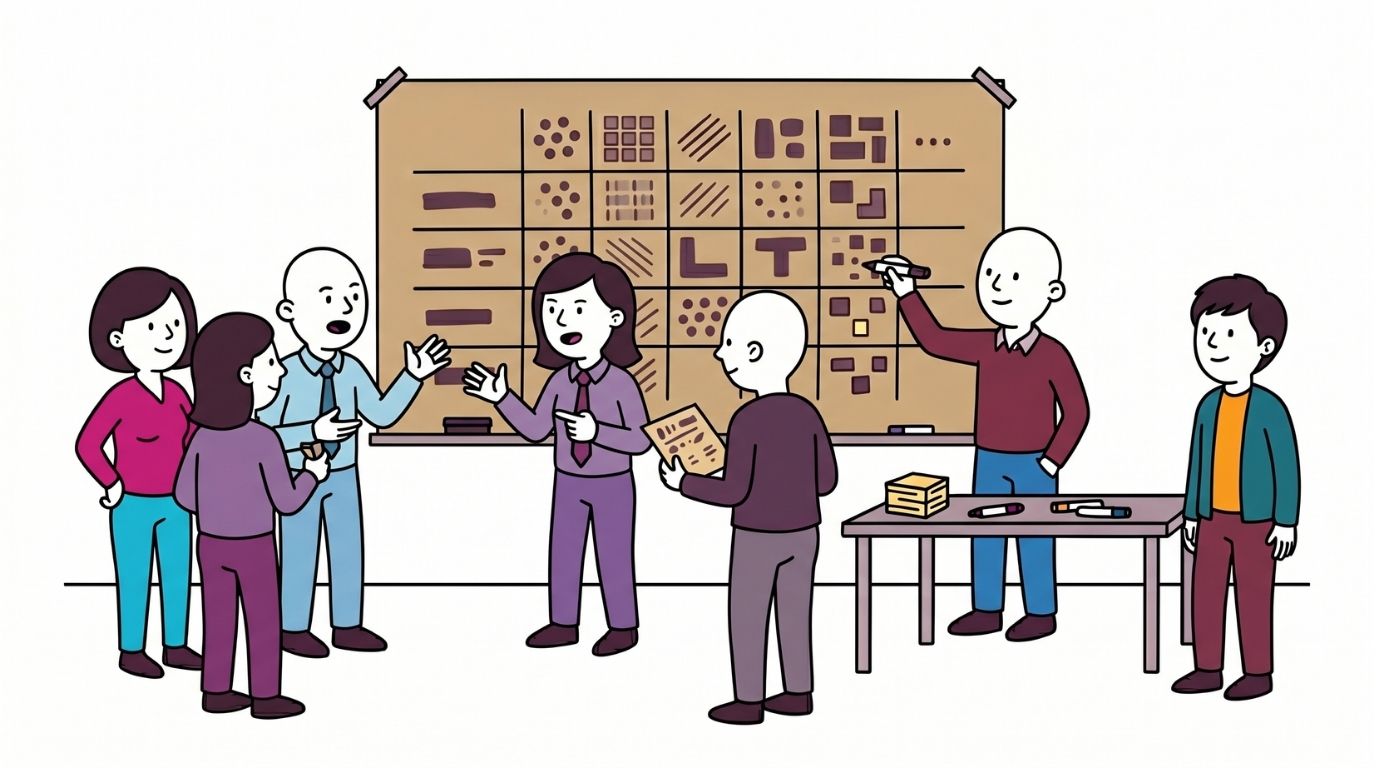
The Decision Matrix is a structured scoring tool for the moment when you have three to six real options and need to pick one.
The group builds a grid: options down one side, criteria across the top.
They agree what the criteria are. They weight them to reflect what matters most.
Then they score each option against each criterion, multiply by the weight, and add up the totals.
The arithmetic is not the point. The conversation each cell forces is.
A sales team used a Decision Matrix to compare four CRM platforms.
They weighted integration with existing tools highest. The scoring revealed the cheapest option would actually cost more in integration effort than the second-cheapest.
That one conversation saved them six months of rework.
→ Full facilitator guide in the library
Join for consultant-grade workshops
This week's additions are part of the Facilitation Techniques bundle in WorkshopBank Pro.
The library now includes 282 consultant-grade techniques with new guides added every week.
→ Sign-in for free and see everything inside WorkshopBank Pro
Questions about membership? Send me a message. I reply personally.